Biometric Access Control Installation: A Practical UK Guide
A facilities manager in Cardiff has a familiar problem. Staff keep losing fobs, reception is reprinting credentials, and the door log shows which credential was used, not necessarily who presented it. Fingerprint or facial readers may look like the obvious answer, but the first question isn't which device to buy. It's whether the organisation can justify collecting and using biometric data at all.
A sound biometric access control installation starts with governance, then moves through site conditions, cabling, power, commissioning and maintenance. The reader is only one part of the system. If the legal basis, fallback method, door behaviour or maintenance plan is wrong, an expensive reader won't make the project successful.
Table of Contents
- Why Biometric Access Control Installation Is a Compliance Decision First
- Choosing the Right Biometric Reader for Your Site
- Pre-Installation Survey and Cabling Plan
- Wiring, Network, Power and System Integration
- Tuning Accuracy and Handling False Rejections
- Enrolment, Commissioning and UK Data Protection Duties
- Costs, Maintenance and Quick Answers for Site Owners
Why Biometric Access Control Installation Is a Compliance Decision First
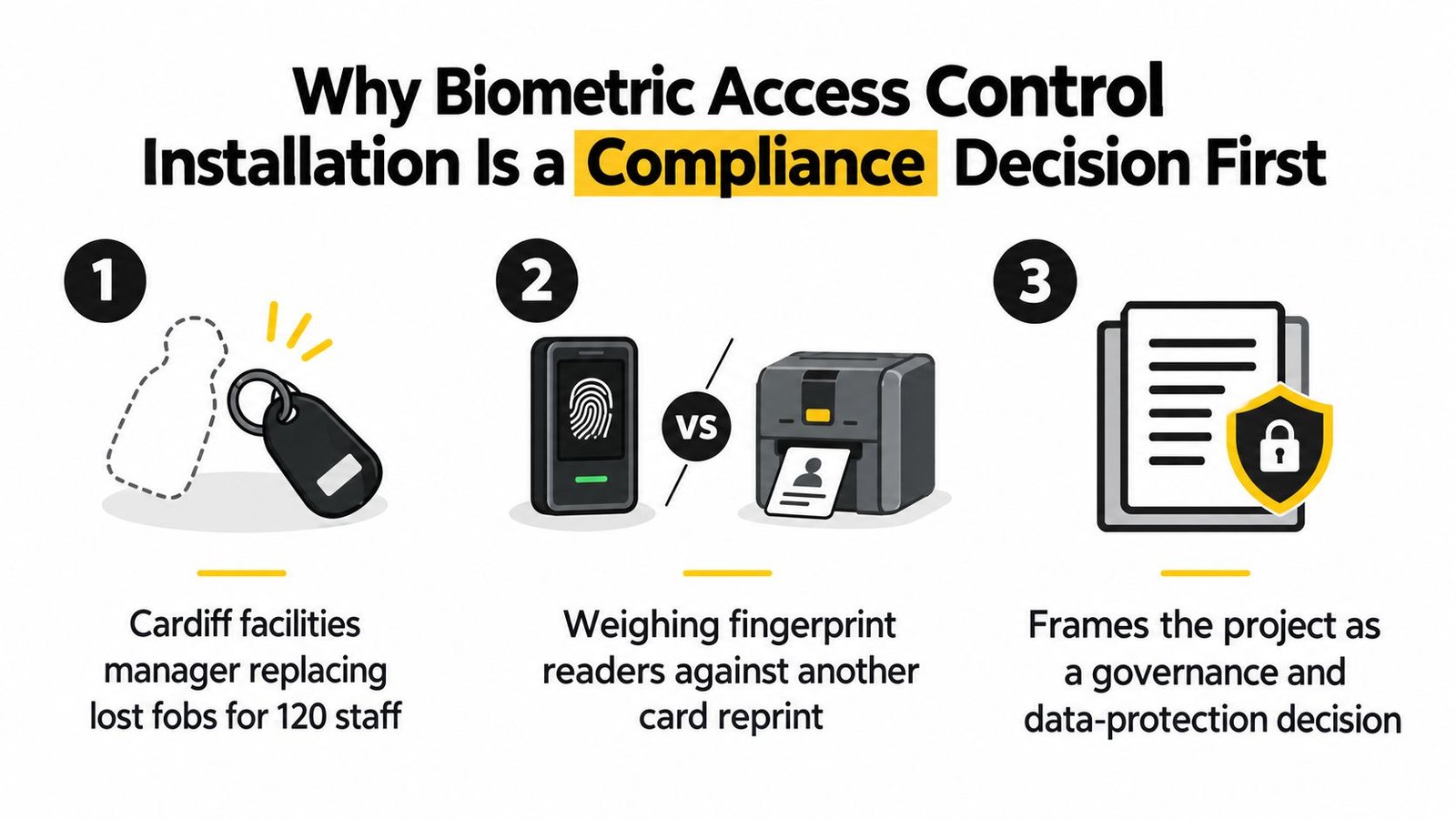
A facilities manager in Cardiff may start with a practical complaint: staff lose fobs, reception keeps issuing replacements, and the access log records a credential rather than the person presenting it. Fingerprint and facial readers can address that problem, but the project begins with a governance decision. Issuing a replacement fob and processing biometric data for identification or verification carry different responsibilities.
The Information Commissioner's Office treats biometric data used in recognition systems as special category data. Before anyone is enrolled, the client needs a defensible legal basis, a clear purpose and an agreed operating process. The ICO's biometric data guidance for organisations explains that recognition produces a statistical judgement from similarity scores, rather than an absolute declaration of identity. That distinction should shape the DPIA and the way the installer tests the system.
Start with the processing decision
The employer, facilities operator or landlord will usually be the data controller. An installer can specify reader architecture, template storage, permissions and deletion functions, but the client remains responsible for the lawful basis, workforce communication and employment decisions.
Complete the core decisions before ordering equipment:
- Purpose: What problem requires biometrics, and why would a fob, PIN or another method not address it adequately?
- Lawful basis: Which UK GDPR basis and Article 9 condition apply?
- DPIA: Why is processing necessary, what risks exist, and which person has approved the assessment?
- Alternative access: Can staff use a fob or PIN without practical disadvantage if they decline biometrics?
- Retention: When are templates and associated access records deleted, especially after someone leaves?
- Transparency: What signage, privacy information and staff consultation are required?
The UK academic review of biometric governance outlines the UK oversight history, including the Protection of Freedoms Act 2012, the office of the UK Biometrics Commissioner and the Home Office Biometrics Strategy published in June 2018. A biometric installation therefore belongs within the organisation's established privacy and security governance, not only its door-control specification.
Practical rule: Do not let a reader specification make the legal decision. The DPIA, staff process and fallback arrangement should narrow the hardware choice.
Employers also need to address consultation and equality considerations. A skin condition, injury, disability or religious concern may make one modality unsuitable for an employee. The alternative route must work at the actual door, during the actual shift, rather than exist only in a policy document. Flag these points during design and return decisions to the client's HR, privacy and legal owners. The paperwork should determine the reader choice, not the other way round.
Choosing the Right Biometric Reader for Your Site
A fingerprint reader is often a sensible indoor choice for an office, controlled staff entrance or internal plant room. It's familiar, usually straightforward to integrate with an existing controller, and doesn't require a camera view. The weakness appears at loading bays and external doors, where wet hands, gloves, dirt, damaged skin and cold fingers can produce rejected reads.
Facial recognition avoids touch, which can suit GP surgeries, schools, food-handling areas and busy office entrances. A basic 2D unit can work well in a corridor with stable lighting, but bright glazing, strong backlight and changing daylight can disrupt capture. More advanced 3D or liveness-enabled systems handle difficult presentations more effectively, including some users wearing glasses or face coverings, but they cost more and need careful positioning.
Palm and iris systems occupy a more specialised part of the market. They can suit hygienic or high-security environments where the client accepts more complex enrolment and higher equipment cost. They're rarely the first choice for an ordinary warehouse or small office because the operational benefit may not justify the additional governance and installation work.
For a wider explanation of available access technologies, facilities teams can review access control system types for UK buildings.
| Modality | Typical UK site | Main weakness | Indicative cost per door |
|---|---|---|---|
| Fingerprint | Office, warehouse staff door, internal plant room | Wet, dirty or gloved hands can cause rejected reads | Depends on reader, controller, lock, cabling and software |
| Facial recognition | Office reception, GP surgery, school entrance | Glare, backlighting and poor approach angles affect capture | Usually higher than a basic fingerprint installation |
| Palm or vein | Healthcare, finance or restricted industrial area | Niche equipment, enrolment complexity and higher cost | Specialist quotation required |
| Iris | Highly restricted room or specialist facility | Less convenient and more expensive for routine traffic | Specialist quotation required |
Match the device to the doorway
The same building may need different modalities. A clean internal office door can take fingerprint authentication, while a South Wales warehouse entrance may be better served by facial recognition or a combined biometric and fob reader. A school also needs to consider children, visitors, safeguarding procedures and the practical consequences of a failed read.
Choose the door environment first, then assess the data risk and user process. A technically impressive reader that struggles in rain or glare won't produce a reliable access system.
Pre-Installation Survey and Cabling Plan
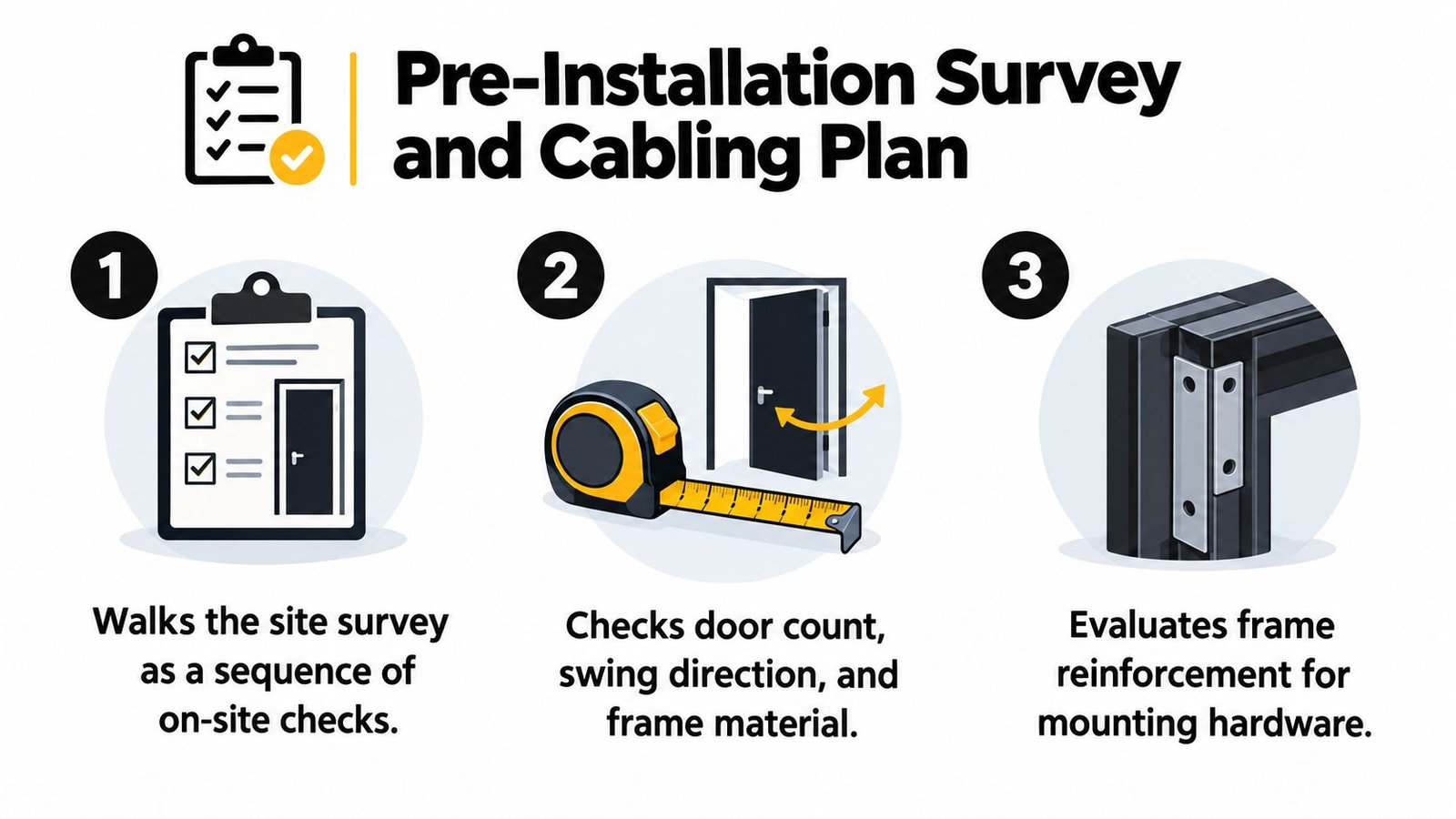
A proper survey starts at the door, not in the catalogue. Record every access point, door number, opening direction, frame material, leaf construction, lock type, nearby fire-exit hardware and the distance to the controller or communications room.
Solid timber, composite and steel frames may need reinforcement before a reader, strike or exit device can be fixed securely. A reader mounted to a weak frame will move, flex or suffer impact damage, and that creates alignment and reliability problems that no software setting can correct.
Work through the route before pricing it
Walk the cable path physically. Check existing Cat5e or Cat6 containment, riser access, ceiling voids, fire-stopping requirements and the position of the door controller. In older South Wales buildings, listed interiors and finished stone or plaster may rule out chasing, leaving surface trunking or a carefully planned containment route.
A survey should answer these practical questions:
- Door hardware: Will the existing closer, latch and frame accept the proposed lock and reader?
- Cable route: Can the route use existing containment, or is new trunking and builder work required?
- Power location: Is the lock supply close enough to avoid excessive voltage drop?
- Fire strategy: Does the door sit on an escape route, and has the fire-alarm interface been identified?
- Network point: Can the controller reach the dedicated access-control network without sharing an unsuitable office outlet?
- Future use: Will the client add another door, intercom, gate or time-and-attendance function later?
Supply distance and voltage drop must be calculated from the selected lock, cable size, current demand and power-supply location. A nominal 12V supply isn't automatically adequate at the door. Maglocks and strikes can behave unpredictably when the voltage falls under load, especially on long routes or poorly terminated cables.
The installer should also confirm whether the chosen reader uses Wiegand or OSDP. The protocol affects wiring, addressing, supervision and future security options. It shouldn't be selected from habit when the controller and reader have different capabilities.
Return a survey sheet that the office can use
The completed survey should list door references, reader positions, lock arrangements, cable routes, estimated cable metres, power supplies, network ports, fire interfaces and builder work. Give the office manager a copy that clearly separates included installation work from items requiring an electrician, joiner, door contractor or builder.
The access control installation process guide is useful for setting client expectations, but the site survey remains the controlling document. If a quote is prepared without checking the actual frame, route and power arrangement, the price is provisional whether the paperwork says so or not.
Wiring, Network, Power and System Integration
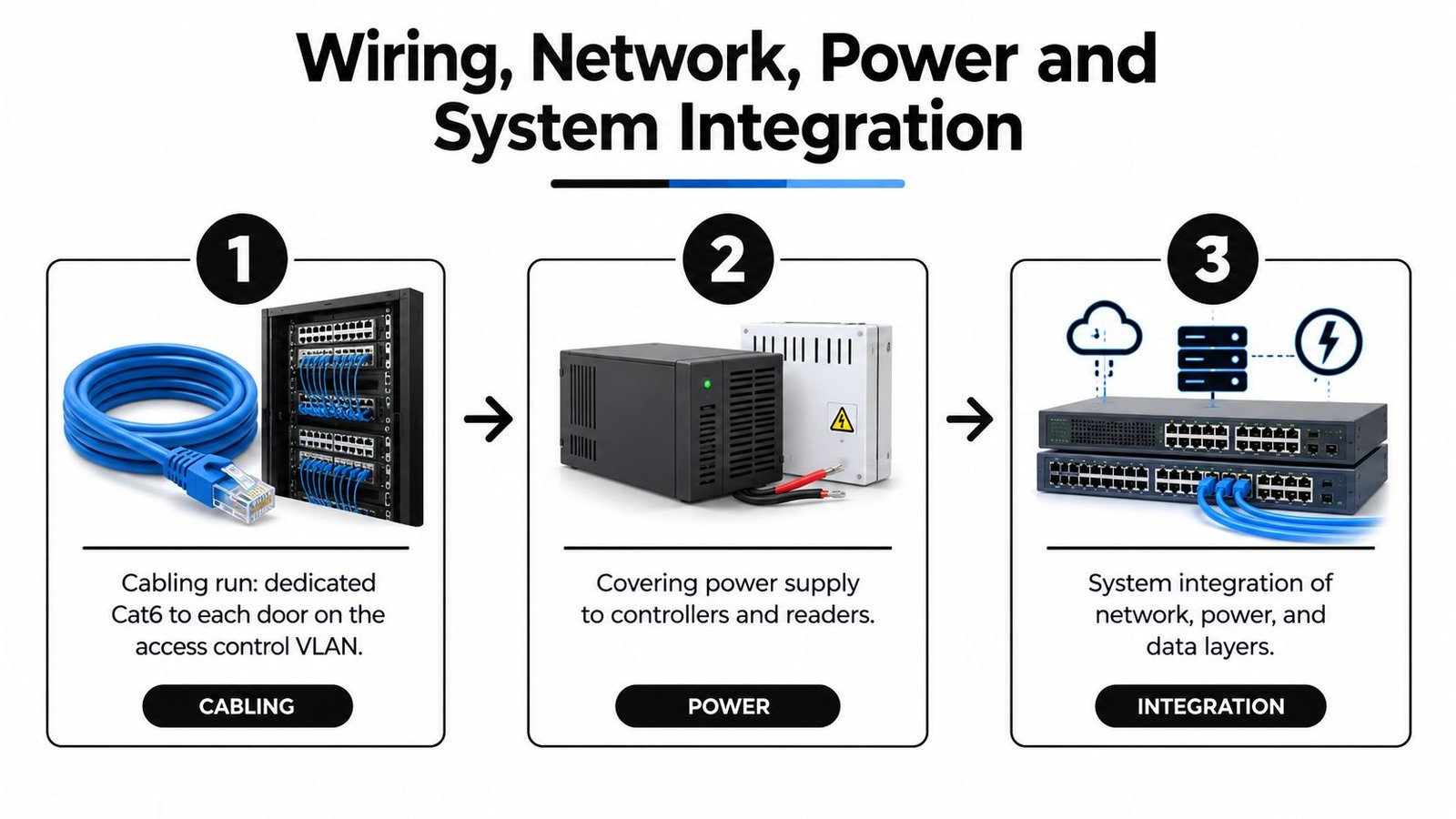
A dependable installation has four connected layers: the reader, the controller, the lock and the management network. Treating the reader as a standalone appliance causes trouble later, particularly when the client wants CCTV events, time-and-attendance records or remote administration.
Run the data cable from the communications room or approved network location to the door controller or reader arrangement specified by the manufacturer. Keep access-control traffic on the client's controlled network design rather than casually sharing a socket with general office equipment. The client's IT team should approve switching, addressing, firewall rules and any remote-management path before commissioning.
Separate the reader from the lock supply
PoE can simplify reader and controller power where the equipment supports the required standard. The electronic lock still needs its own correctly rated supply in many designs, so a single network switch or PoE failure doesn't create an uncontrolled door condition.
Fail-safe hardware releases when power is lost, which may be appropriate where life-safety and escape requirements demand free egress. Fail-secure hardware remains locked on power loss, which can suit a server room or restricted store, provided occupants can leave safely and the fire strategy permits it. The selected arrangement must align with the door's escape function and the applicable product and installation requirements, including BS EN 13637 where relevant.
Make the controller the decision point
The controller is the system's brain. Wiegand or OSDP carries the reader event to the panel, the relay drives the lock, and the request-to-exit input receives an exit button, sensor or break-glass signal. Door contact monitoring then confirms whether the leaf closed, rather than assuming that a relay pulse equals a secure door.
CCTV integration should be agreed before the cables are labelled. A biometric event can be associated with a camera event through the video management system, using supported interfaces such as RTSP or ONVIF where the platforms permit it. That gives the security team a usable record around an access decision instead of forcing staff to search video manually.
For broader system planning, the client can consider integrated security system design. At handover, every conductor should be labelled at both ends, tested against the drawings and recorded against the door number. Unlabelled spare cores and undocumented changes become expensive faults during the first call-out.
Tuning Accuracy and Handling False Rejections
A biometric reader compares a live presentation with an enrolled template, then checks whether the similarity score crosses its configured threshold. The result is not just secure or insecure. False biometric acceptance allows an unauthorised person through, while false biometric rejection denies a legitimate user access. The first is a security failure. The second can stop a nurse, cleaner, engineer or warehouse operative at the door.
Set the threshold from the door's risk assessment and operating conditions, not from an untested factory default. A plant room or server room may justify stricter matching and a second factor. A busy reception entrance may need a more forgiving setting, with compensating controls agreed by the client. Record the decision in the access policy. A user trying to reduce complaints should not change it informally.
| Door type | Target FAR | Target FRR | Notes |
|---|---|---|---|
| Restricted server or plant room | Set from the client's risk assessment | Keep a controlled fallback | Consider a second factor and tighter monitoring |
| General office entrance | Set from the approved security policy | Minimise disruption during staff arrival | Test with the normal workforce and lighting |
| Warehouse or loading entrance | Set from the approved security policy | Plan for gloves, dirt and wet hands | Facial or alternative credentials may be more usable |
| Reception with external glazing | Set from the approved security policy | Check glare and approach conditions | Test at different daylight conditions |
The NCSC identifies false non-matches as a cause of false rejections in access control. On South Wales and South West sites, practical causes include PPE, gloves, dermatitis, wet hands, condensation near loading bays and sunlight falling across an outdoor facial unit. These conditions often appear only after the reader meets the workforce and weather.
Monitor after handover
Keep a rejection log for each door. Record the time, user, weather or site condition, and the complaint. A pattern at one entrance may point to glare, mounting angle, sensor contamination, a damaged template or firmware behaviour. Re-enrolment or a template refresh may correct the problem. Replacing the reader before checking those causes wastes money.
Performance should be reviewed by the client and maintenance provider at agreed intervals. Threshold changes should pass through the approved change process, with the reason and resulting tests recorded. A useful target is an acceptable balance between security and reliable access for the people using the building, rather than a perfect laboratory result.
Practical commissioning should include representative users and the conditions that create trouble. Test normal arrival periods, outdoor light, wet hands, gloves and any approved fallback route. If legitimate users repeatedly fail, confirm the cause before lowering the threshold, because a quick operational fix can weaken the door's security decision.
Enrolment, Commissioning and UK Data Protection Duties
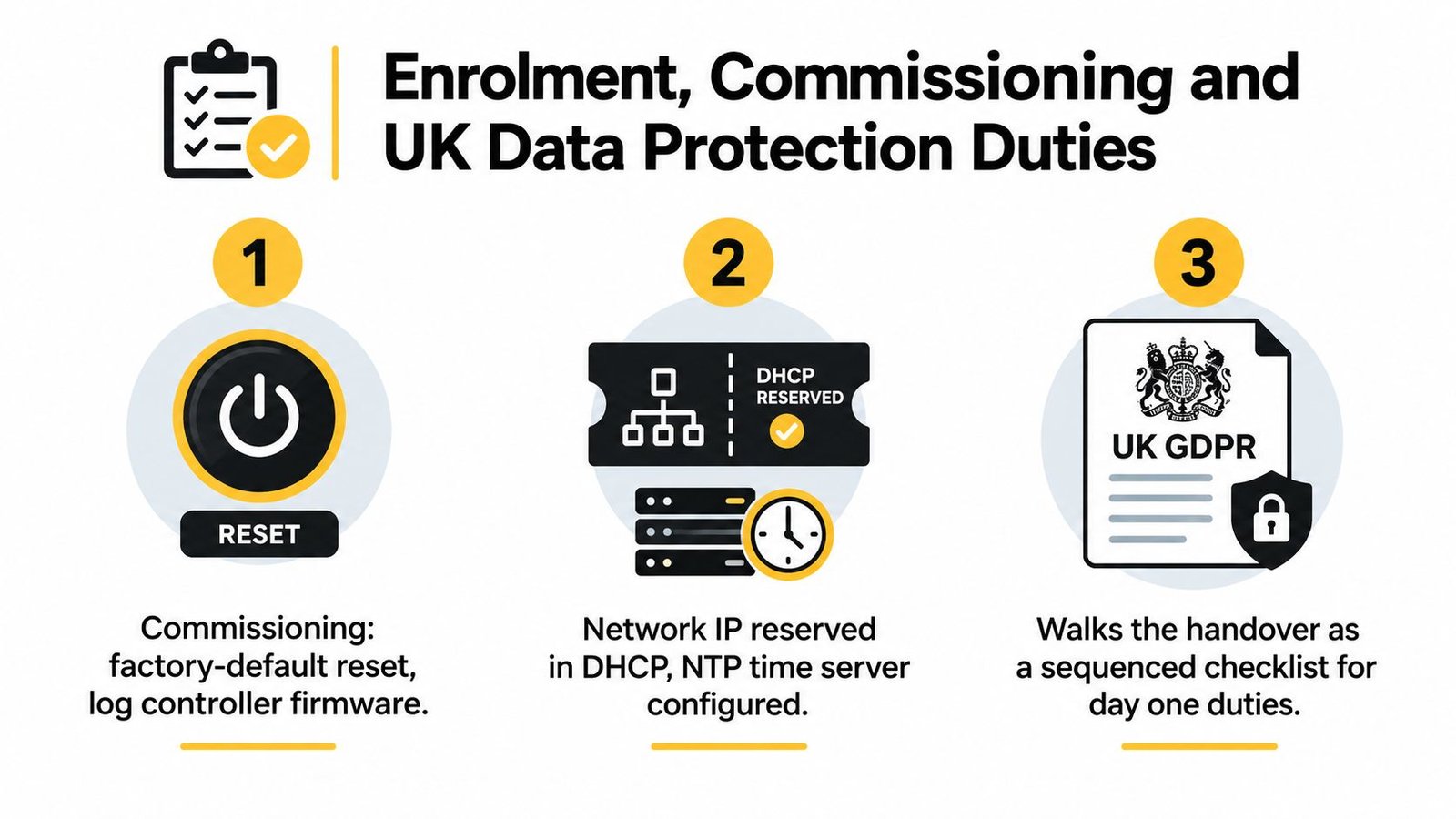
Handover day should follow a written sequence. Start by resetting equipment from any temporary factory configuration, recording controller firmware, reserving the approved network address through the client's DHCP process and synchronising the system clock with the agreed NTP service. Check time zones and daylight-saving behaviour so access logs remain intelligible across GMT and BST.
Then test the complete door circuit. Confirm reader communication, controller decisions, relay timing, lock release, door contact status, request-to-exit, break-glass operation, fire-alarm behaviour, event recording and recovery after a network interruption. A green light on the reader isn't evidence that the whole door works correctly.
Enrol users deliberately
Don't enrol a whole workforce before the client has approved the privacy process. The employer should confirm its lawful basis and Article 9 condition before a template is created, then brief staff on the purpose, alternative access route, retention and contact point for questions.
During enrolment, capture the agreed samples under normal conditions and verify the user on a second pass. Where the platform supports it, store an encrypted mathematical template rather than a raw image, and document where the template resides, who can administer it and how it will be deleted. The installer mustn't promise that every vendor's template is portable. Biometric formats and matching algorithms are often proprietary, so migration may require fresh enrolment.
Put the client's documents in the handover pack
For workplace biometric access, the ICO expects a Data Protection Impact Assessment as part of the project where the processing presents the relevant high risk. The DPIA belongs to the controller, but the installer should provide the technical information needed to complete it, including data flow, storage location, encryption controls, administrator access, fallback credentials and deletion functions.
The pack should also include:
- Reader and controller schedule: Door references, models, firmware and configuration notes.
- Data handling record: Template location, administrator permissions and deletion method.
- Retention instruction: The client's approved period for templates and access events, including leaver handling.
- Transparency materials: Reader signage, privacy information and the internal contact route.
- Exception procedure: What reception or security staff do when an enrolled person is rejected.
- Maintenance record: Test results, outstanding defects and recommended review actions.
Signage should appear at each relevant reader, and the client should provide a clear route for subject access and other data-protection requests. If the organisation needs assistance identifying an UK representative under Article 27, that should be addressed by the organisation's privacy advisers, not improvised by the installation crew.
Staff also need a non-biometric alternative, such as a fob or PIN, where the client's approved assessment requires it. HR should consider equality impacts and brief employees before go-live. A technically correct system can still fail if people don't understand why it exists or how to enter when their first biometric attempt doesn't work.
Costs, Maintenance and Quick Answers for Site Owners
A biometric door quote has more lines than the reader. The total can include the biometric terminal, controller capacity, lock and door furniture, power supply, network equipment, cabling, containment, fire interfaces, software licensing, enrolment time, commissioning and ongoing support. A difficult frame or long route can affect the price more than the reader itself.
Fingerprint equipment generally sits below facial, palm or iris equipment, while specialist systems require a more custom design. South Wales and South West projects can also fall in the middle of a supplier's regional pricing range because travel, access arrangements and dispersed sites affect labour planning. A responsible installer should separate hardware, installation, builder work, software and maintenance rather than present one unexplained figure.
Maintain the complete door
A six-monthly service should include more than wiping the sensor. The engineer should check:
- Reader condition: Clean the sensor or camera, inspect housings, seals, fixings and signs of impact.
- Matching behaviour: Review rejected-read complaints and retune only against the approved risk policy.
- Firmware: Check manufacturer updates, compatibility and rollback arrangements before applying changes.
- Templates: Confirm authorised users, leavers, duplicate records and database integrity.
- Door hardware: Test lock release, closer action, door contacts, request-to-exit and emergency release.
- Records: Confirm event timestamps, administrator accounts, backups and maintenance notes.
Recalibration isn't a universal calendar task. Fingerprint sensors may need attention when contamination or environmental change affects performance, while facial readers may need repositioning or configuration review after lighting, glazing or reception changes. The maintenance record should show why a setting changed and who approved it.
Quick answers for owners
What does a typical UK biometric door installation cost?
There isn't a reliable single figure without a survey. Modality, lock type, cabling, controller compatibility, fire interfaces and software all affect the quotation, so request a door-by-door breakdown.
How often do readers need recalibrating?
Review performance during scheduled maintenance and after environmental or staffing changes. Retune when evidence shows a problem, not just because a calendar reminder appeared.
Can templates move between vendors?
Usually, don't assume they can. Template formats, encryption and matching algorithms may differ, so a platform change can require fresh enrolment.
Which compliance document should be handed over?
The client should receive the technical information and configuration records needed for its DPIA, alongside privacy information, retention instructions, access-control records and the agreed exception process. The installer shouldn't claim to replace the client's legal assessment.
Book the site survey before accepting a final quote. A survey lets the installer confirm door construction, cable routes, network and power requirements, environmental conditions and the governance information the client must prepare.
Wisenet Security Ltd designs, installs and maintains biometric, card, fob and integrated access-control systems for sites across South Wales and the South West, including Cardiff, Bristol, Newport and Swansea. Visit Wisenet Security Ltd to arrange a site survey that considers the doors, data-protection workflow, fallback access and maintenance requirements before equipment is specified.